
March 20, 2026•10 min read
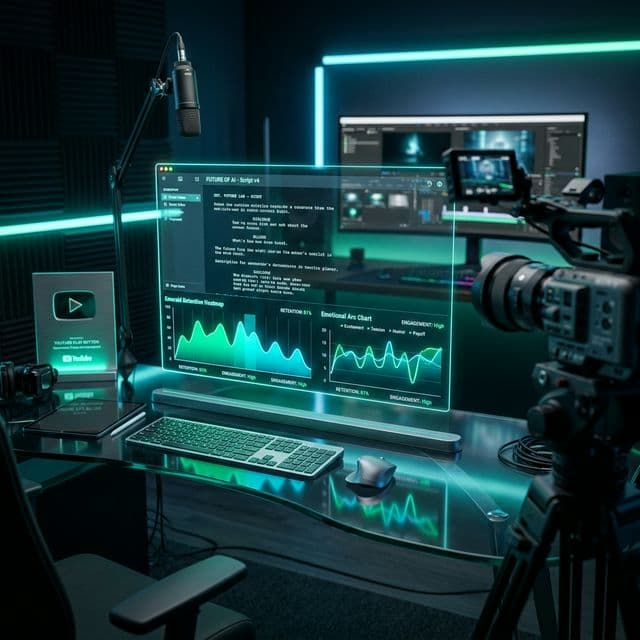
5 Tips for Writing Viral YouTube Scripts
Learn the psychological triggers that keep viewers watching until the very last second.
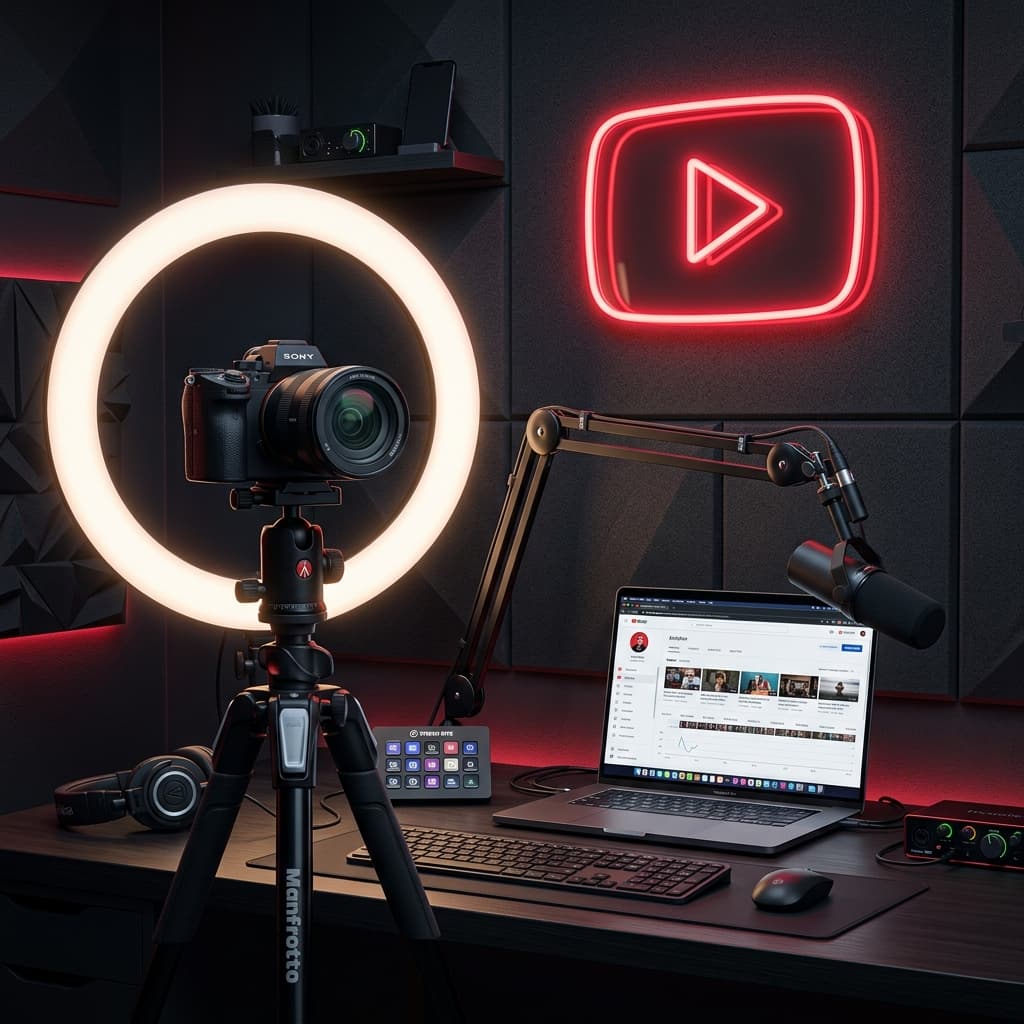
The Ultimate Content Engine
Build your brand, capture the algorithm, and monetize your passion.
Starting a YouTube channel has many benefits, some of which are too enticing to ignore. You get to share content from the heart, connect with like-minded viewers around the globe, and eventually build a community where thousands—or millions—look forward to your uploads. If all goes well, you can monetize your videos, earn a full-time income, or build a global brand. But with millions of creators aiming for the same goal, setup and strategy are critical. This guide provides the complete blueprint for 2026.
Identity & Branding
Google account, handles, and assets.
Niche Research
Identifying sub-niches and competitors.
90-Day Roadmap
Pacing your content formats for views.
The Architecture of Multiple Channels
Your YouTube journey starts with a basic Google Account. If you don't have one, navigate to the Google sign-up page, enter your details, and initialize it. A Google account is vital because Google has unified its creator ecosystem: all future revenue payouts happen via Google AdSense, which seamlessly hooks into your primary profile.
Manage Multiple Channels with ease: Did you know you can manage multiple YouTube channels under a single Google login? By creating a Brand Account, you can host different channels for different content styles or niches (like travel vs. technology reviews) and switch between them in the top-right menu. This isolates your branding and protects your core credentials.
Once your channel is initialized, go to your YouTube Studio > Settings > Channel > Feature Eligibility. Under Intermediate Features, complete the phone number verification. This is absolutely critical as it unlocks:
Making a Visually Premium First Impression
First impressions dictate whether a casual click converts into a permanent subscriber. You need three visual assets fully optimized to YouTube's strict size templates to give your channel home page a cohesive, polished look.
Dimensions: 800 x 800 px. Keep it square or round. Acceptable file types are JPG, PNG, GIF (non-animated), or BMP.
Dimensions: Minimum 2048 x 1152 px (16:9 ratio). Safe area for logos/text on all devices: 1546 x 423 px. Max file size: 6 MB.
Dimensions: 150 x 150 px (max 1 MB). Appears in the bottom-right corner of all uploads, prompting desktop viewers to subscribe on hover.
Upload these assets by logging in to YouTube Studio > Customization > Branding. Under the Basic Info tab, complete your About Section. This description should outline your channel's target mission. Integrate your Value Proposition—a single, punchy slogan (e.g., 'Creator-obsessed YouTube education') that explains exactly what you achieve and how it benefits the viewer.
The Science of Audience Targeting
Your niche is the core topic your channel focuses on. It sets you apart and is the primary reason viewers choose your videos. Instead of choosing a broad category like 'Cooking', try to find a sub-niche to stand out. For example, instead of all cooking styles, focus on 'Caribbean Food Recipes'. Caribbean recipes is your sub-niche, while cooking remains your broad category.
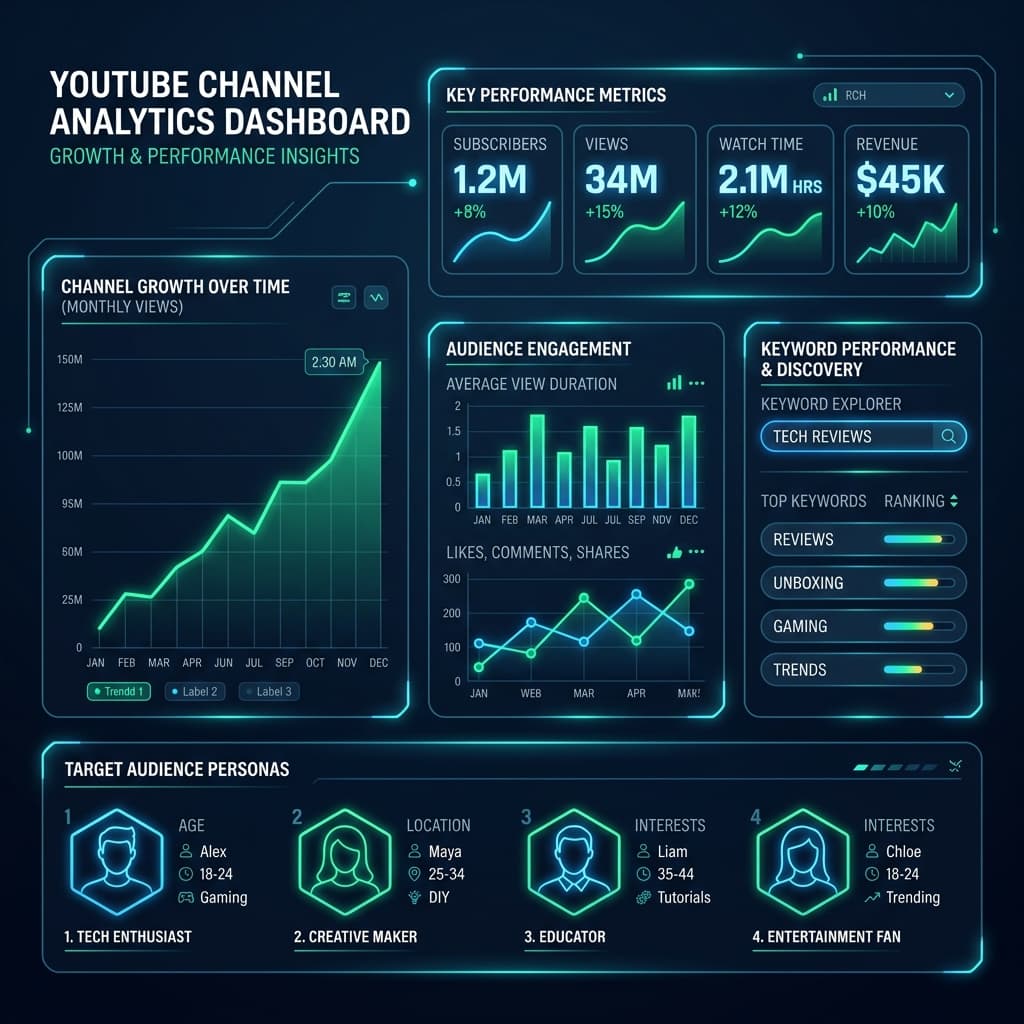
Once you pick a sub-niche, identify your competitors. Knowing your competition isn't about constant battle; it is about inspiration, tracking what works, and identifying formatting gaps. Use basic search methods: type common search queries related to your niche into YouTube and note which channels rank in the top results. Analyze their:
Eliminate Guesswork Before Filming
Do not film a video because you think it is a good idea; film it because search telemetry proves viewers are actively seeking it. This is where keyword research comes in. It is the process of identifying the exact search queries (keywords) viewers type into YouTube's search box.
For instance, a beginner might want to make a video on 'growing vegetables'. Through search index testing, you might find that 'spinach gardening at home' or 'how to plant spinach in pots' has high search volumes but relatively low competition.
By incorporating these precise search terms in your titles, descriptions, and tag arrays, you communicate directly with the indexing algorithm, placing your videos in front of an active, interested audience from day one.
Prioritizing High-Retention Sound and Lighting
Starting a YouTube channel is free, but upgrading your gear makes a massive difference as you build momentum. Do not rush into buying a $2,000 camera. Start with your smartphone and upgrade incrementally.
Invest in a basic clip-on lavalier mic ($20-$30) for your phone. If recording on a desktop, look at budget USB condenser microphones like the Blue Snowball ($50-$70) or the Samson Q2U ($60-$80).
Natural light is free and highly effective. Stand facing a window. For indoor shoots, a standard ring light ($30-$50) or a set of softbox lights ($60-$100) will wash out background grain and enhance details.
Shaky video is unwatchable. Purchase a basic smartphone tripod ($15-$25) or a sturdy desktop webcam stand ($20-$30) to lock your angles.
Strategic Consistency Beats Perfection
Set realistic goals for your first 90 days. Focus on metrics like upload consistency, average view duration (AVD), and click-through rate (CTR). To optimize your output, structure your content calendar around three core styles of videos:
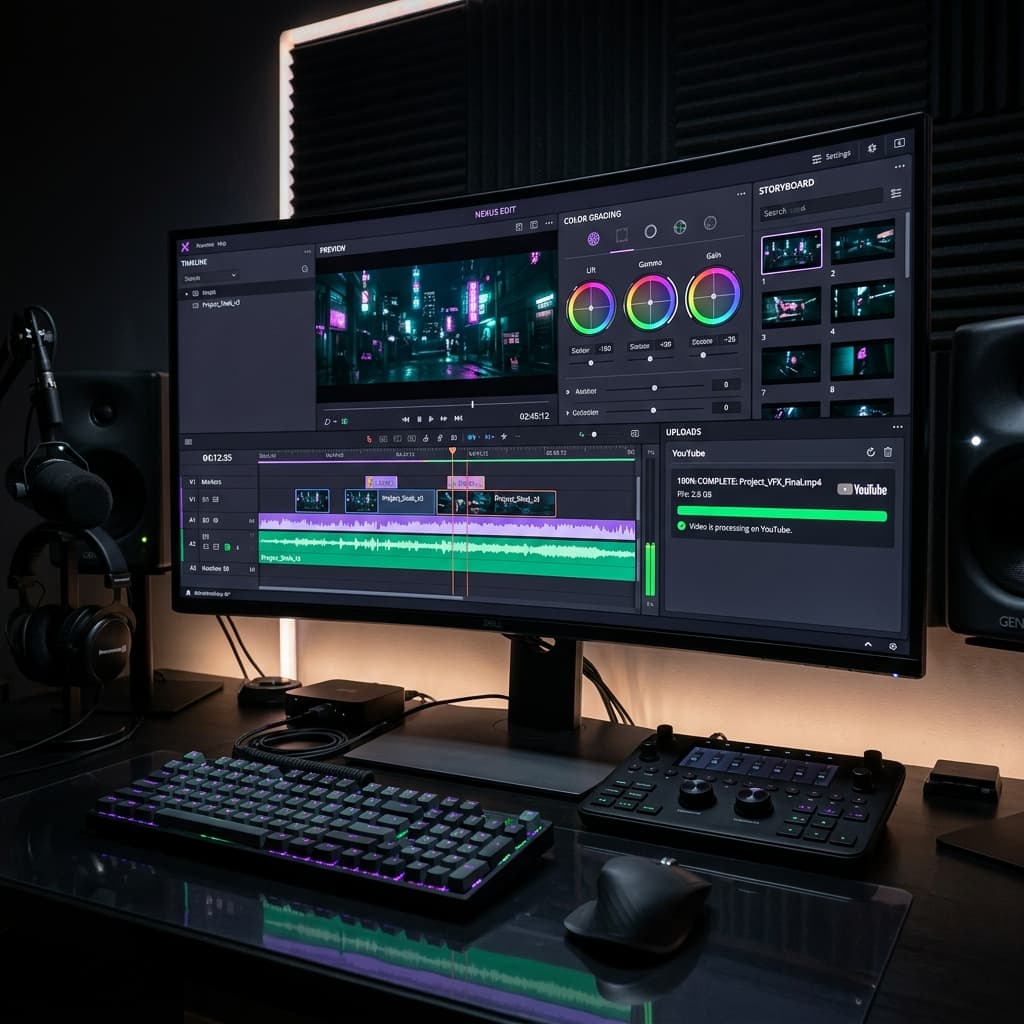
Try Multiple Content Formats: YouTube provides multiple ways to earn in 2026. Deploy YouTube Shorts for fast subscriber discovery (you can slice up to 10 Shorts from a single long-form edit using AI tools), and host YouTube Livestreams to engage your fans in real time, unlocking revenue streams like Super Chats.
Starting a YouTube channel doesn't have to be a guessing game. Use the Cre8Virals suite to research trending keywords, generate click-worthy titles, and analyze competitor strategies.
Building Momentum in Month One
A structured launch calendar prevents burnout and provides the YouTube recommendation engine with consistent initial data signals.
Design banner, logo, and upload 3 cornerstone long-form videos to seed the channel.
Publish 5 Shorts highlighting key moments from long-form content to drive initial subscribers.
Check Click-Through Rate (CTR) and Average Duration to optimize upcoming content.
Written and reviewed by the Cre8Virals editorial team — YouTube growth strategists, metadata researchers, and algorithmic SEO specialists with over 5+ years of experience analyzing viral video patterns and channel monetization.
Yes. YouTube allows you to manage multiple channels under a single Google account by creating what are called Brand Accounts. This makes it simple to switch between channels in the top-right menu without logging in and out of different email addresses.
For your Profile Picture, use a square/round image of 800 x 800 px (JPG, PNG, GIF, or BMP). For your Channel Banner, the minimum size is 2048 x 1152 px with a 16:9 aspect ratio (max 6 MB). For the Video Watermark, use a 150 x 150 px image (max 1 MB) which prompts viewers to subscribe when hovered.
Verifying your phone number (under Settings > Channel > Feature Eligibility > Intermediate Features) is a crucial step. It unlocks key capabilities: uploading videos longer than 15 minutes, applying custom thumbnails, live streaming, and disputing Content ID claims.
Starting is free if you use your smartphone. If you want to upgrade on a budget: a decent lavalier mic costs $20-$30, a desktop mic like the Samson Q2U or Blue Snowball costs $50-$80, a simple ring light costs $30-$50, and a stable smartphone tripod costs $15-$25.
A value proposition is a brief slogan that explains what your channel is about and what viewers gain by watching your videos (e.g. 'Creator-obsessed YouTube education'). Having a clear promise prevents you from posting off-topic videos and builds immediate trust with new visitors.
Learn the psychological triggers that keep viewers watching until the very last second.
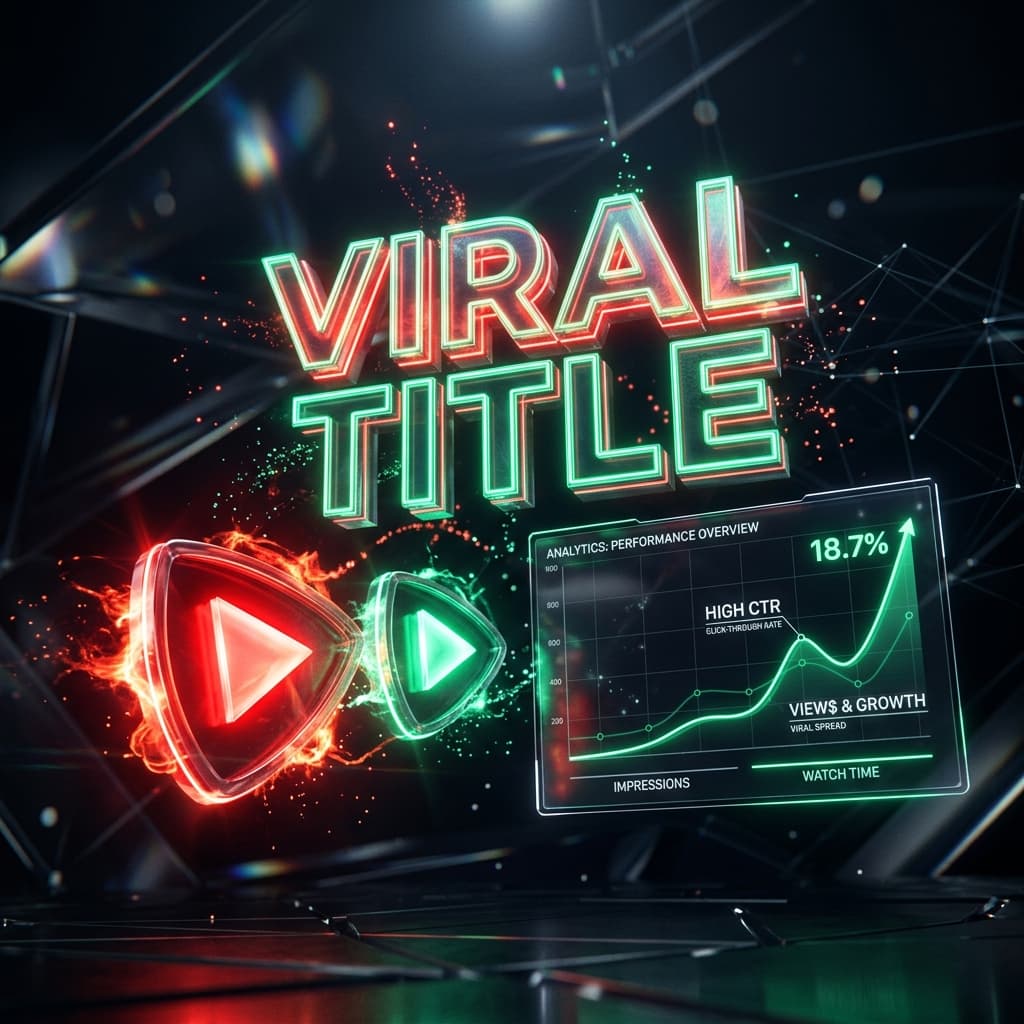
Unlock the secrets to crafting the best YouTube titles. Learn the cognitive psychology behind viral hooks, curiosity gaps, and discover how Cre8Virals leverages real-time predictive models to generate high-CTR metadata.
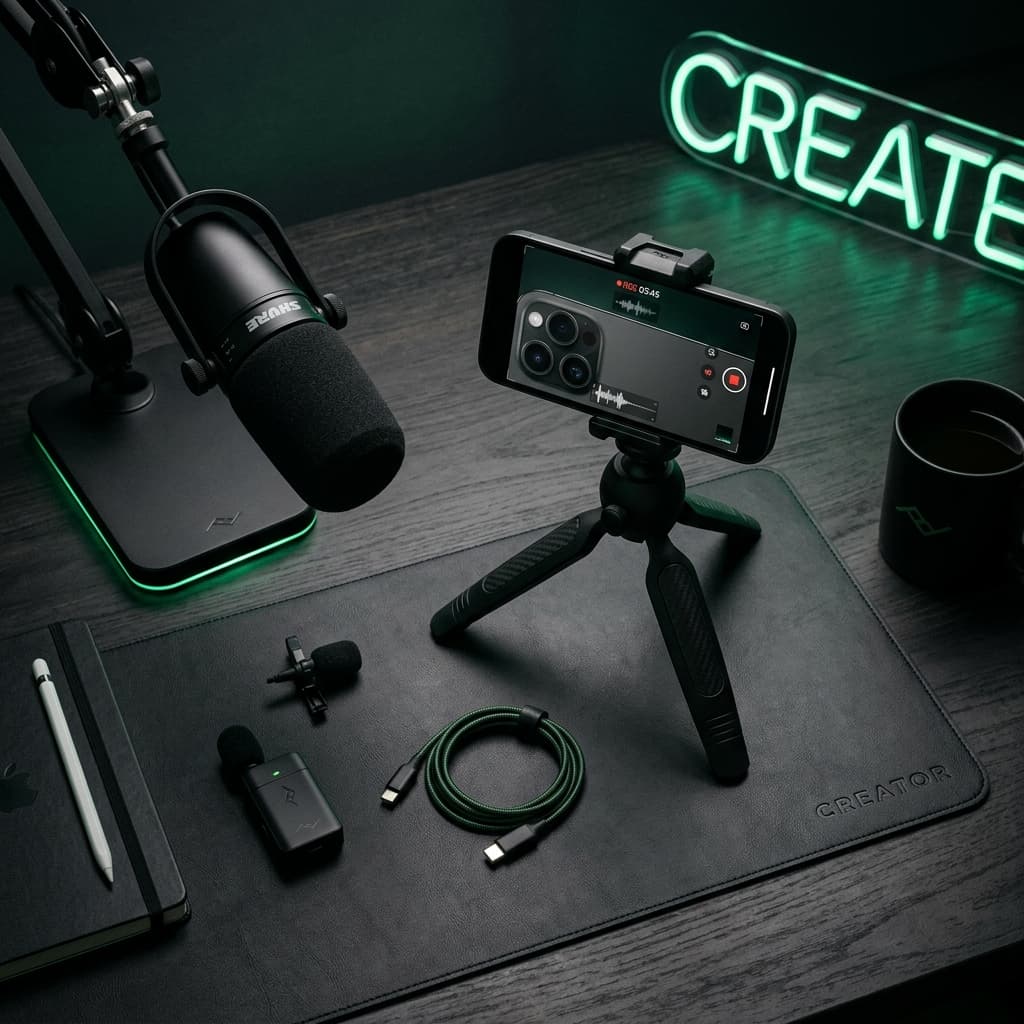
Learn how to setup a YouTube channel from scratch in 2026. Discover why you don't need a high-end camera, how top creators started, and how to scale to professional tools.