

April 12, 2026•9 min read
How to Beat the YouTube Algorithm in 2026: The Authentic Guide
Stop chasing hacks and start building a brand. Learn how to master YouTube's neural network by focusing on viewer satisfaction and authenticity.
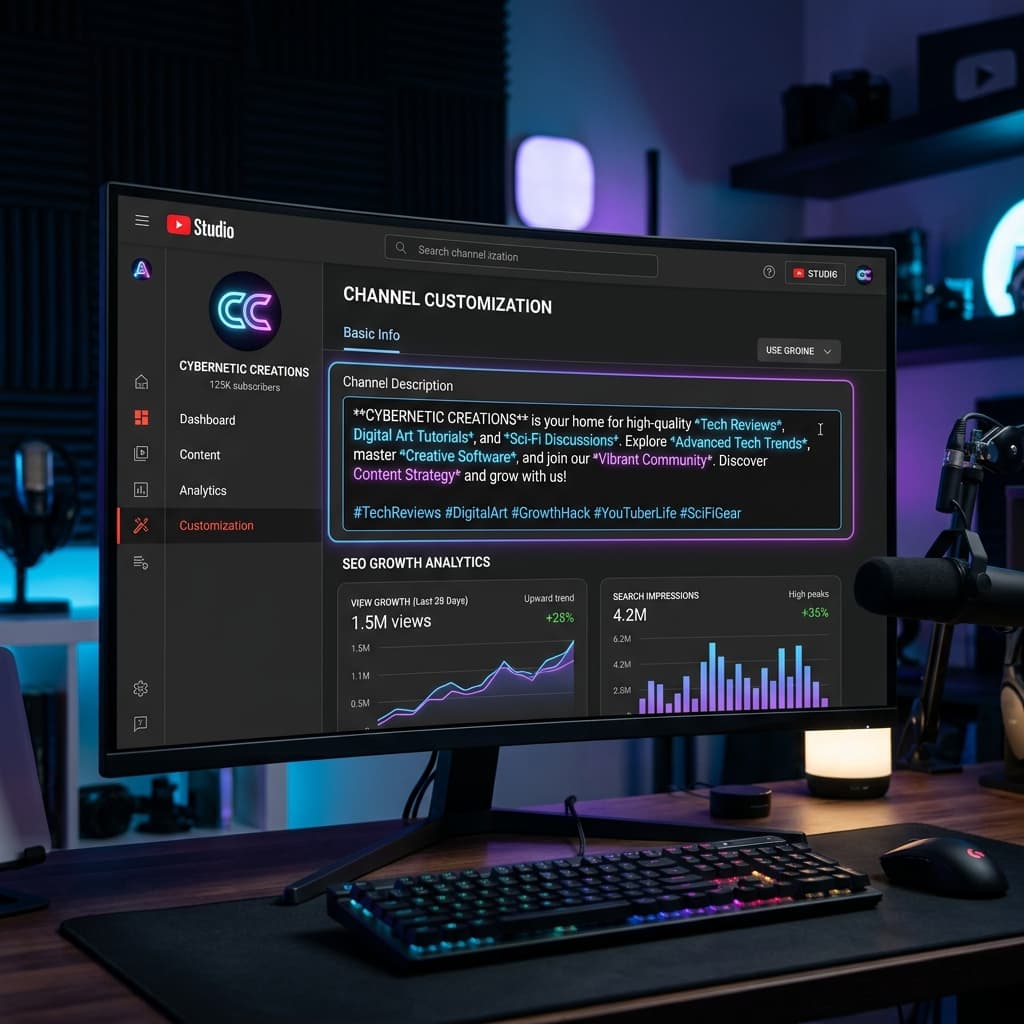
Code Your Video Metadata
Master the art of contextual keywords, trigger recommendation loops, and boost CTR.
Your YouTube video description is one of the most powerful metadata tools for ranking and conversions. When optimized properly, it acts as a semantic map that triggers the YouTube algorithm's recommendation loops and ranks your video in search engines.
Above the Fold
Keep key keywords above the 'Show More' fold to hook searchers and algorithms instantly.
Feed the Index
Naturally place secondary search queries and LSI terms in the body of your description.
Drive Retention
Add interactive timestamps and clear calls to action to drive viewer retention.
Structuring for the 2026 Recommendation Loop
A professional video description follows a specific structural flow. By dividing your description into three zones, you satisfy both human readers and search algorithms:
These lines appear before the 'Show More' button. Use them to write a compelling summary that includes your primary keyword. Focus on setting expectations and grabbing interest.
Provide a detailed outline of your video. In 2026, YouTube's algorithm reads this section like a mini blog post to understand the semantic intent. Add timestamps/chapters, social links, resources, and secondary keywords here.
Place 3-5 high-relevance hashtags and reference links here. Do not overload hashtags, as this dilutes the video's semantic context.
Unlocking Search Discoverability
Timestamps are no longer just for viewer convenience. In 2026, YouTube uses timestamps to auto-generate video chapters on your timeline and, more importantly, in Google Search results as "Key Moments."
To format timestamps correctly:
Always start with `0:00` or `00:00` and include at least three chapters that are at least 10 seconds long. This signals structure to the indexing crawlers.
Semantic Alignment with Top Performers
Writing optimized descriptions from scratch can be time-consuming, requiring extensive keyword research and constant structural formatting. For a deep dive into the underlying science and algorithm recommendation loops, refer to our comprehensive guide: YouTube Description Generator 2026: The SEO Secret 9 min read.
The AI metadata suite uses an advanced AI engine to ensure your content is structured specifically for YouTube's Contextual Relevance Scoring (CRS). Here is exactly how our tool generates high-converting description templates:
Our engine ensures that the core keywords in your video title are naturally expanded upon in the first 2-3 lines of your description, establishing immediate authority and contextual alignment.
The AI cross-references your inputs with transcripts of top-performing videos in your specific sub-niche to identify the exact phrasing and Latent Semantic Indexing (LSI) terms the algorithm currently favors.
Every description is automatically split into three zones: a high-impact search hook/summary, a detailed 500-word value outline loaded with secondary keywords, and a clean tag neighborhood cluster.
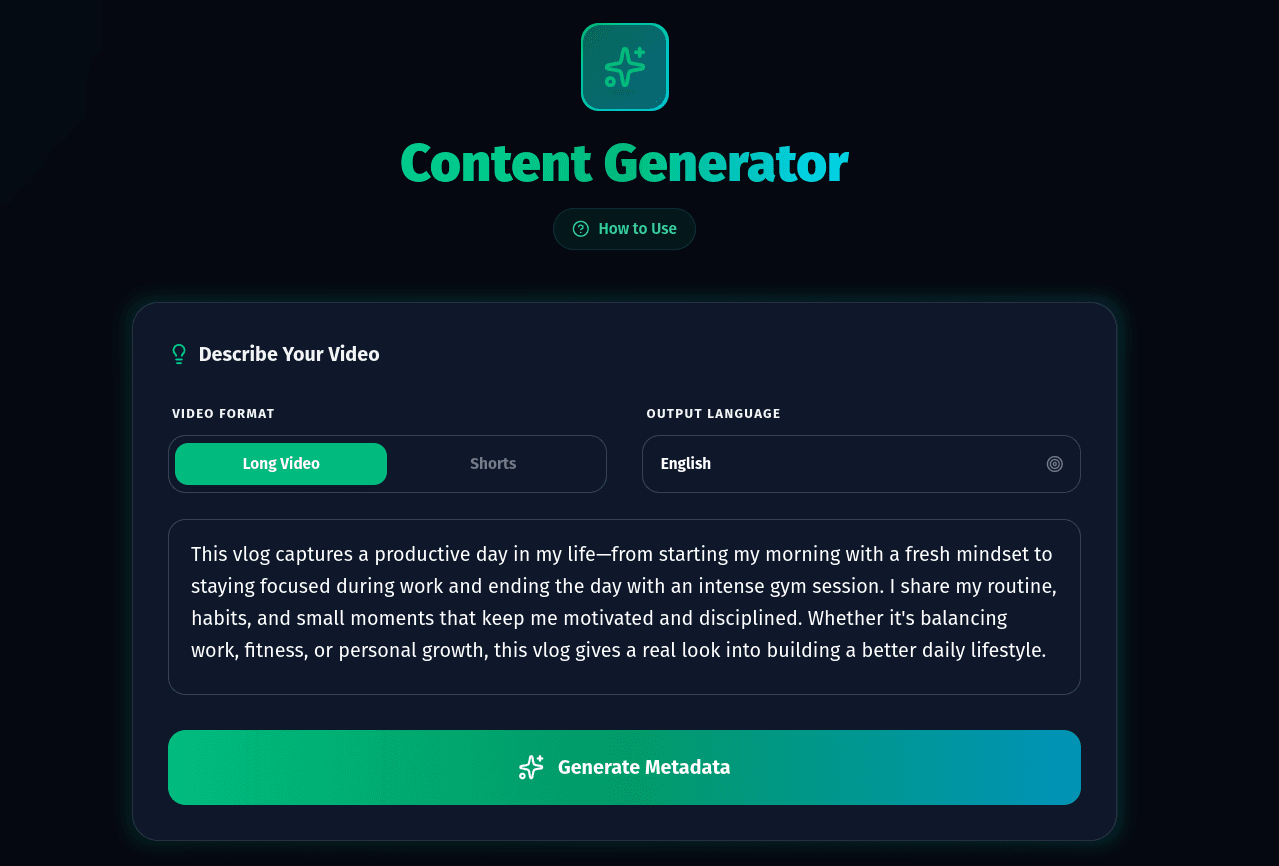
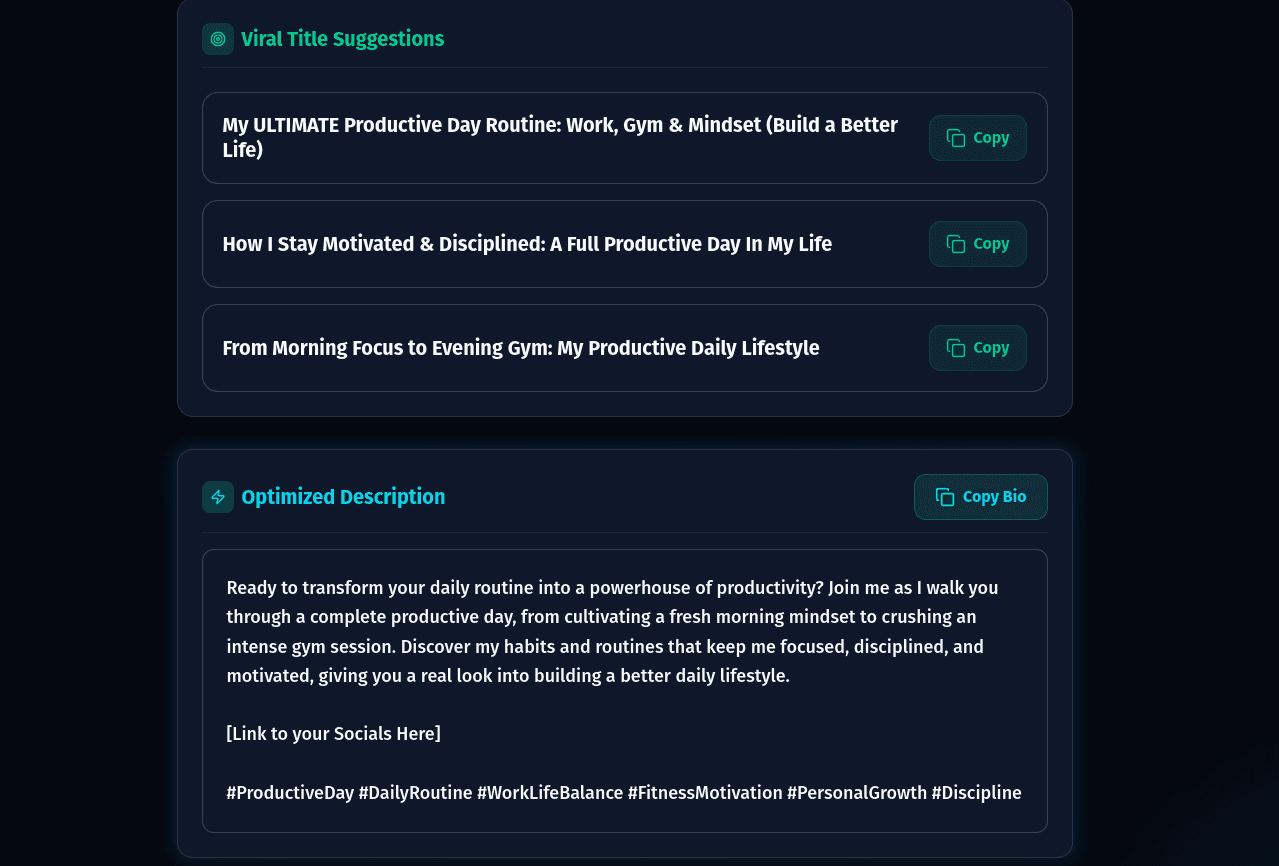
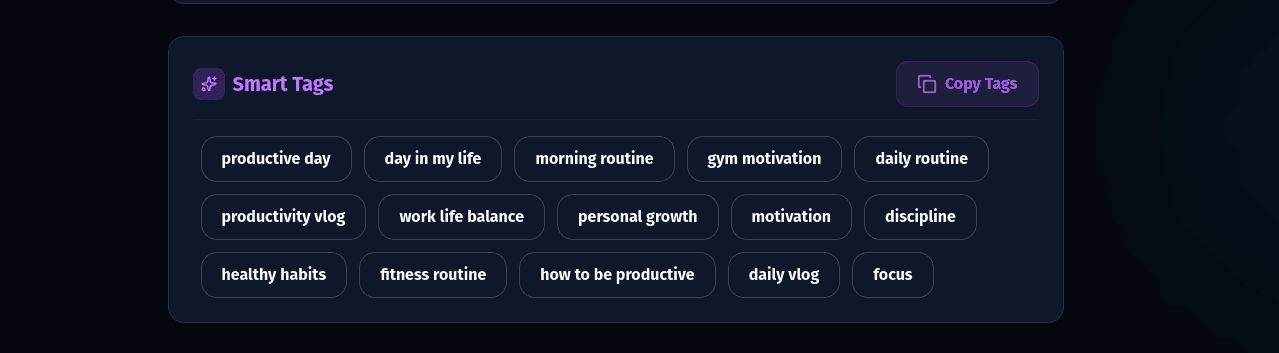
By aligning your video details with the Cre8Virals generator recommendations, you feed the YouTube recommendation neural networks the exact semantic metadata they need to matches your video with target viewers, increasing both search impressions and suggestion velocity.
Stop struggling to find the right words. Use the Cre8Virals Description tool to build high-converting video descriptions that rank in search.
Enhancing Organic Search & Viewer Navigation
YouTube automatically extracts video chapters when timestamps are formatted correctly in the description. Chapters create rich snippets in Google Search results, driving passive search traffic.
Monetizing Description Real Estate Ethically
Descriptions are prime digital real estate for driving traffic to affiliate products and mailing lists. Always include FTC-compliant disclosures when placing monetized links.
"Disclaimer: Some links in this description are affiliate links. If you purchase through them, I may earn a small commission at no additional cost to you."
Saving Time on Every Video Upload
Configure YouTube Studio's "Upload Defaults" to automatically populate boilerplate links, social channels, and disclaimers on every draft.
Final Pre-Publish Verification
Review your video description against this 5-point quality control checklist before publishing:
Written and reviewed by the Cre8Virals editorial team — YouTube growth strategists, metadata researchers, and algorithmic SEO specialists with over 5+ years of experience analyzing viral video patterns and channel monetization.
Your video description appears directly below the video player on both mobile and desktop versions of YouTube, as well as in YouTube search results underneath the video title.
While the limit is 5,000 characters, the optimal size for SEO and viewer engagement in 2026 is between 1,500 and 2,500 characters. This provides enough room for detailed summaries, timestamps, links, and hashtags without feeling cluttered.
No. Putting links in the first 3 lines can lower your viewer satisfaction scores, as search engines and viewers prefer to see a summary of the video's content above the 'Show More' fold. Save external links for the middle section.
Cre8Virals uses semantic intelligence to analyze top videos in your niche, automatically structure your video description, add trending keywords, and generate optimized chapters to maximize click-through rates and algorithm reach.
Stop chasing hacks and start building a brand. Learn how to master YouTube's neural network by focusing on viewer satisfaction and authenticity.
Master the data-driven framework for YouTube metadata. Learn the click-through psychology of curiosity-gap titles, SEO structure for descriptions, and tag grouping strategies to drive massive search and suggested traffic.

Unlock the secrets to crafting the best YouTube titles. Learn the cognitive psychology behind viral hooks, curiosity gaps, and discover how Cre8Virals leverages real-time predictive models to generate high-CTR metadata.