

April 12, 2026•9 min read
How to Beat the YouTube Algorithm in 2026: The Authentic Guide
Stop chasing hacks and start building a brand. Learn how to master YouTube's neural network by focusing on viewer satisfaction and authenticity.

Dimensions, Ratios, and Compression
Before we get into the psychology of a viral click, you must master the technical specs. If your thumbnail is the wrong size, YouTube will either stretch it (making it blurry) or crop it (cutting off your hook).
1280 x 720
The golden standard for clarity and compatibility.
16:9
Matches the YouTube player perfectly across devices.
50MB (Desk) / 2MB (Mob)
March 2026 update: Desktop limit increased for 4K/TV clarity.
PNG / JPG / WebP
The three pillars of modern image delivery.
Case Study: IShowSpeed
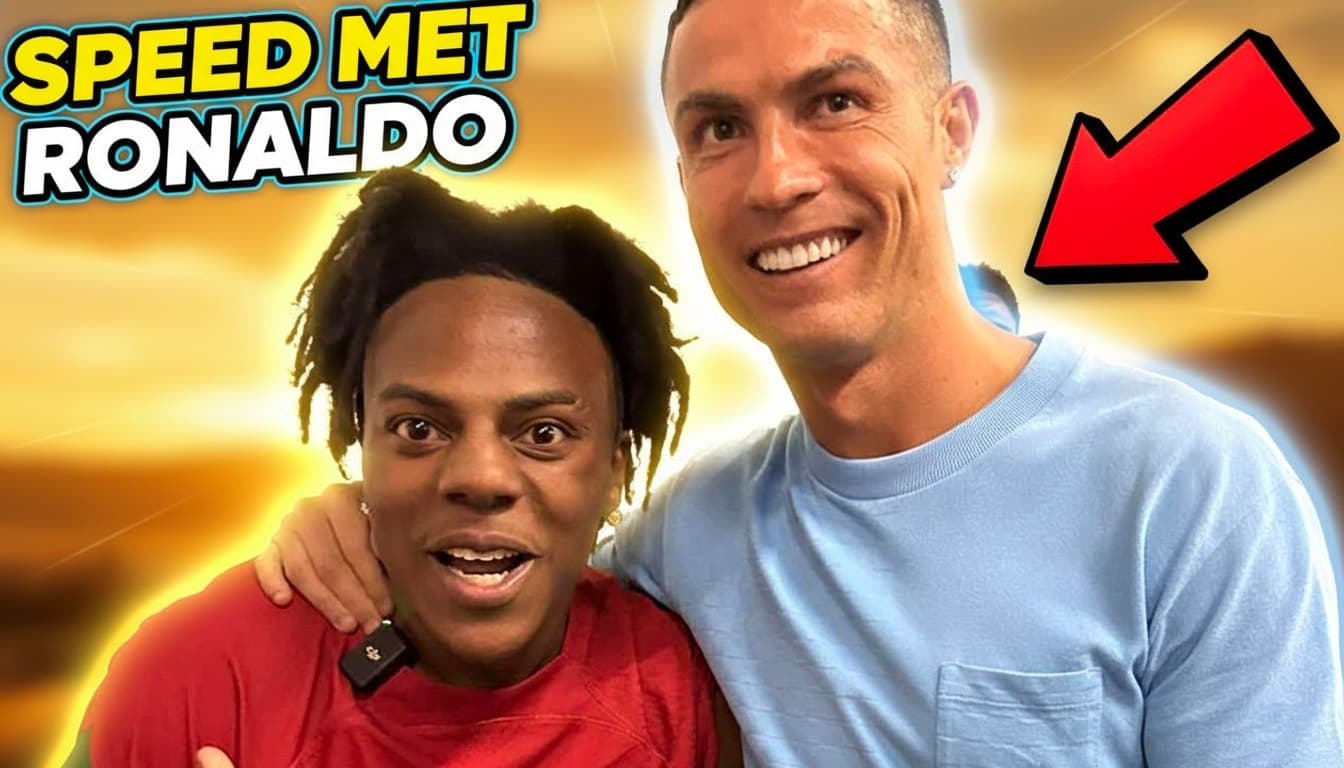
Creators like **IShowSpeed** have mastered the art of "High-Velocity Visuals." Their thumbnails aren't just images; they are emotional triggers. By using extreme facial expressions and high-contrast color grading, they force the viewer to stop scrolling.
Note the use of "Complementary Clash" (Orange background vs Blue lighting). This creates a visual vibration that the human eye is biologically programmed to notice first.
Case Study: Cinematic Storytelling
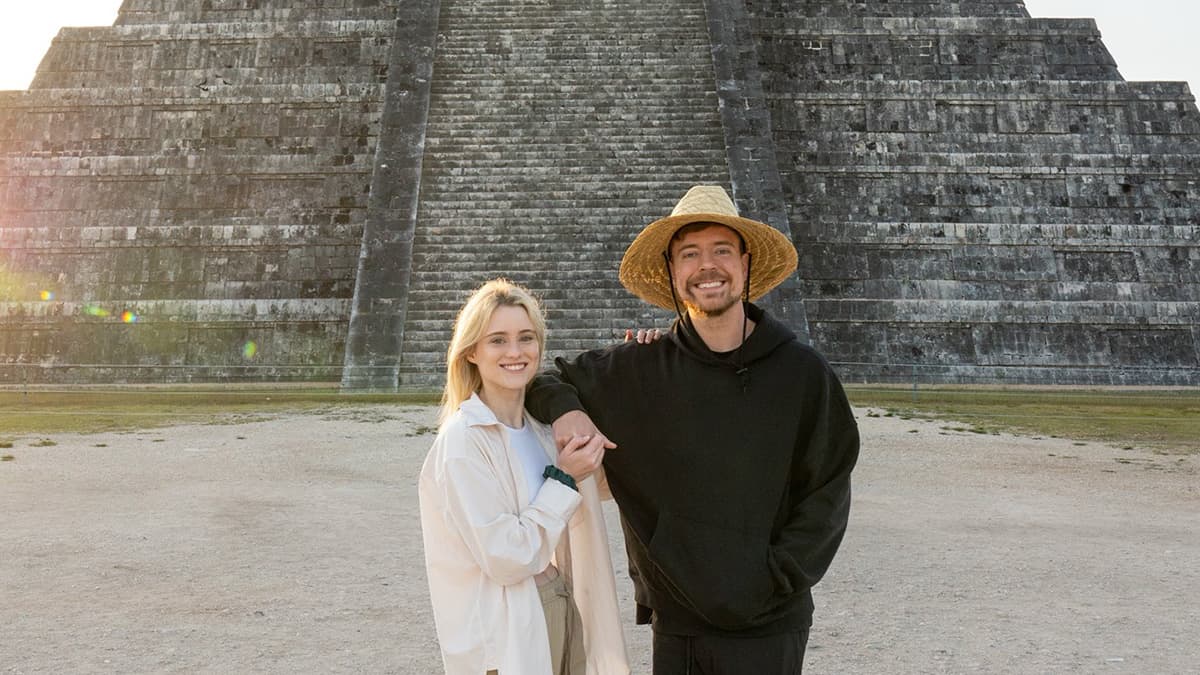
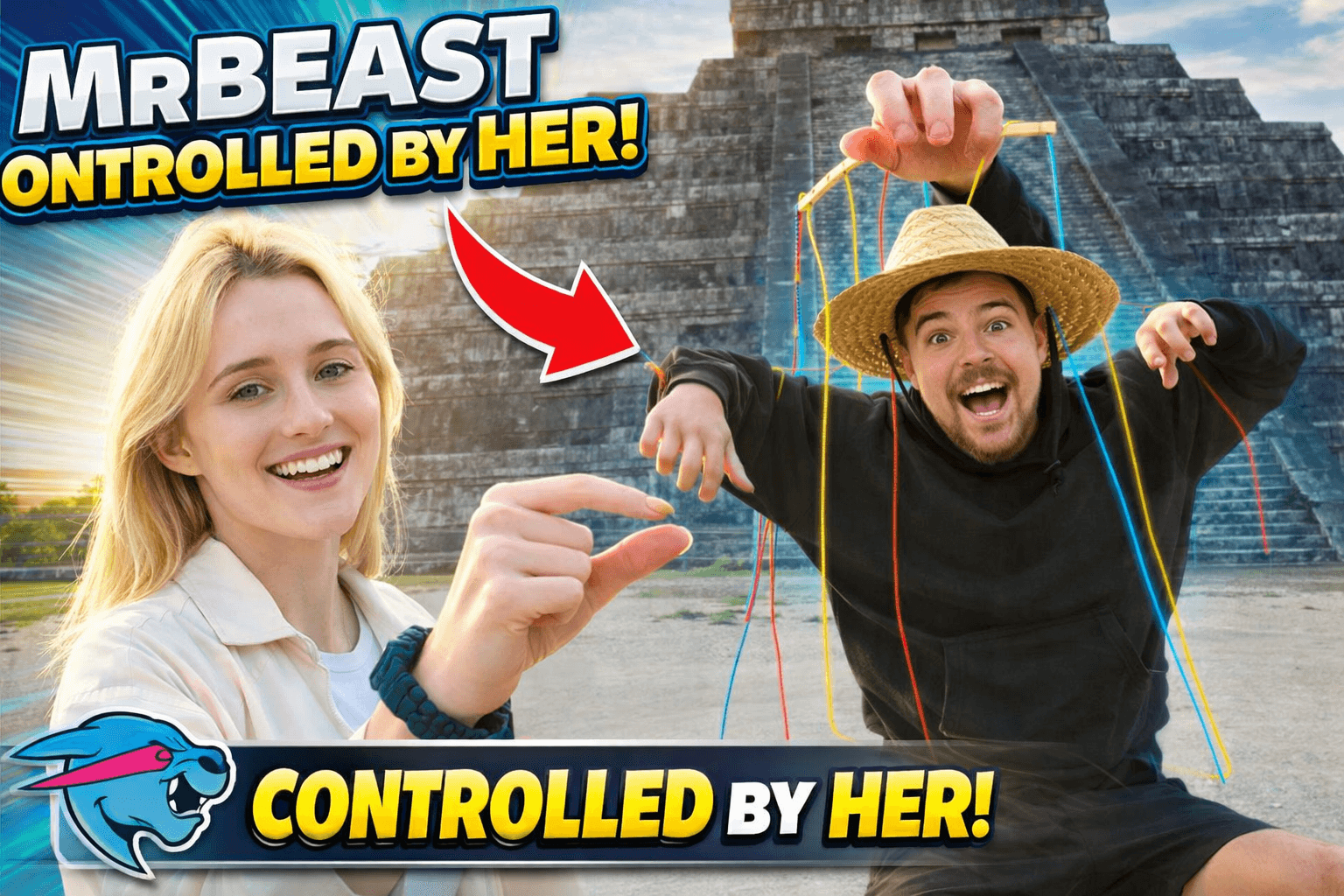
**MrBeast** thumbnails are often compared to movie posters. They rely on "The Rule of Large Numbers" and "The Curiosity Gap." By showing something impossible or massive (like a vault of gold), they eliminate the logical barrier to clicking.
See how Cre8virals transforms a raw concept into a viral masterpiece. By using our **'Cinematic Storyboard'** engine, we calculate the golden ratio and enhance lighting to force curiosity-driven clicks.
Your Personal Design Team
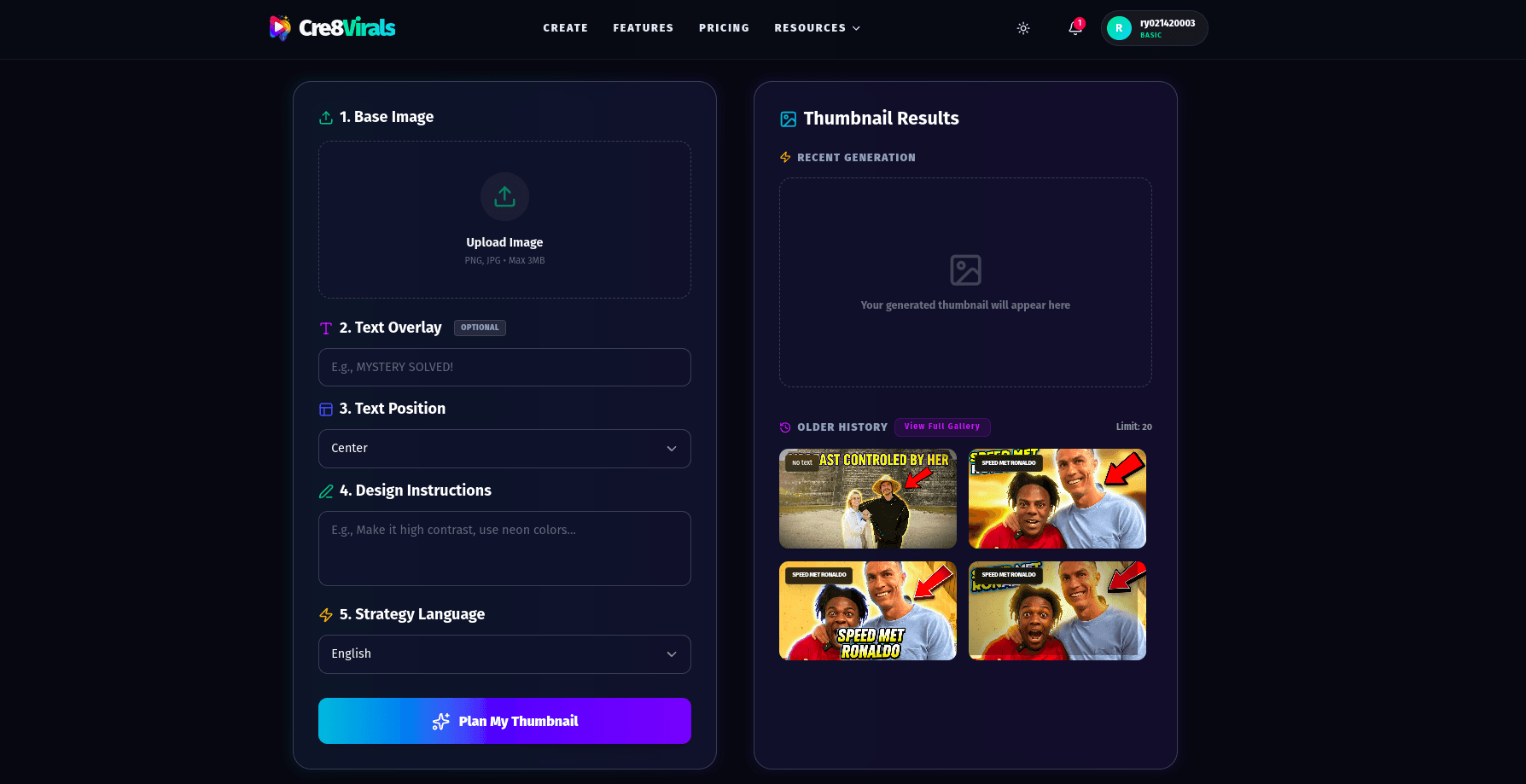
You don't need to spend hours in Photoshop. The **Cre8virals Thumbnail Generator** uses multimodal AI to analyze your video content and generate 4 high-CTR variations in less than 30 seconds.
Our UI allows you to adjust saturation, energy levels, and focal points with simple sliders. The AI does the heavy lifting, ensuring every pixel is optimized for the 2026 algorithm.
Hijacking the Viewer's Brain
In 2026, the challenge isn't just making a "good" thumbnail—it's winning the battle for attention against millions of other videos. Top creators use specific psychological triggers to "hijack" the viewer's scroll-reflex.
Human's are biologically hardwired to look at faces. If your thumbnail features a human face with an intense emotion, CTR increases significantly.
Don't repeat your title. Use 1-3 high-impact words as a 'Hook' on the thumbnail.
Place your subject slightly in front of the text or background elements. This creates a 3D 'Pop' effect that makes your thumbnail look cinematic.
Don't guess which thumbnail is better. Use YouTube's **Test & Compare** tool in YouTube Studio. Upload two variations (one 'Action' style and one 'Curiosity' style) and let the data decide. Cre8virals generates multiple variations precisely for this reason.
Yes. While 1280x720 is the official recommendation, 1920x1080 works perfectly as long as it maintains the 16:9 aspect ratio and stays under the 2MB file size limit. This can sometimes result in sharper images on 4K displays.
In 2026, PNG is preferred for graphics-heavy thumbnails for maximum crispness, while WebP and JPG are better for photographic thumbnails to keep the file size low without sacrificing quality.
This usually happens if your text is too small or if your file was over-compressed. Ensure your subject is large and your text is bold enough to be readable at a size of just 116px wide.
Generate thumbnails that command attention. Our AI uses the same visual patterns as the world's biggest creators.
Stop chasing hacks and start building a brand. Learn how to master YouTube's neural network by focusing on viewer satisfaction and authenticity.
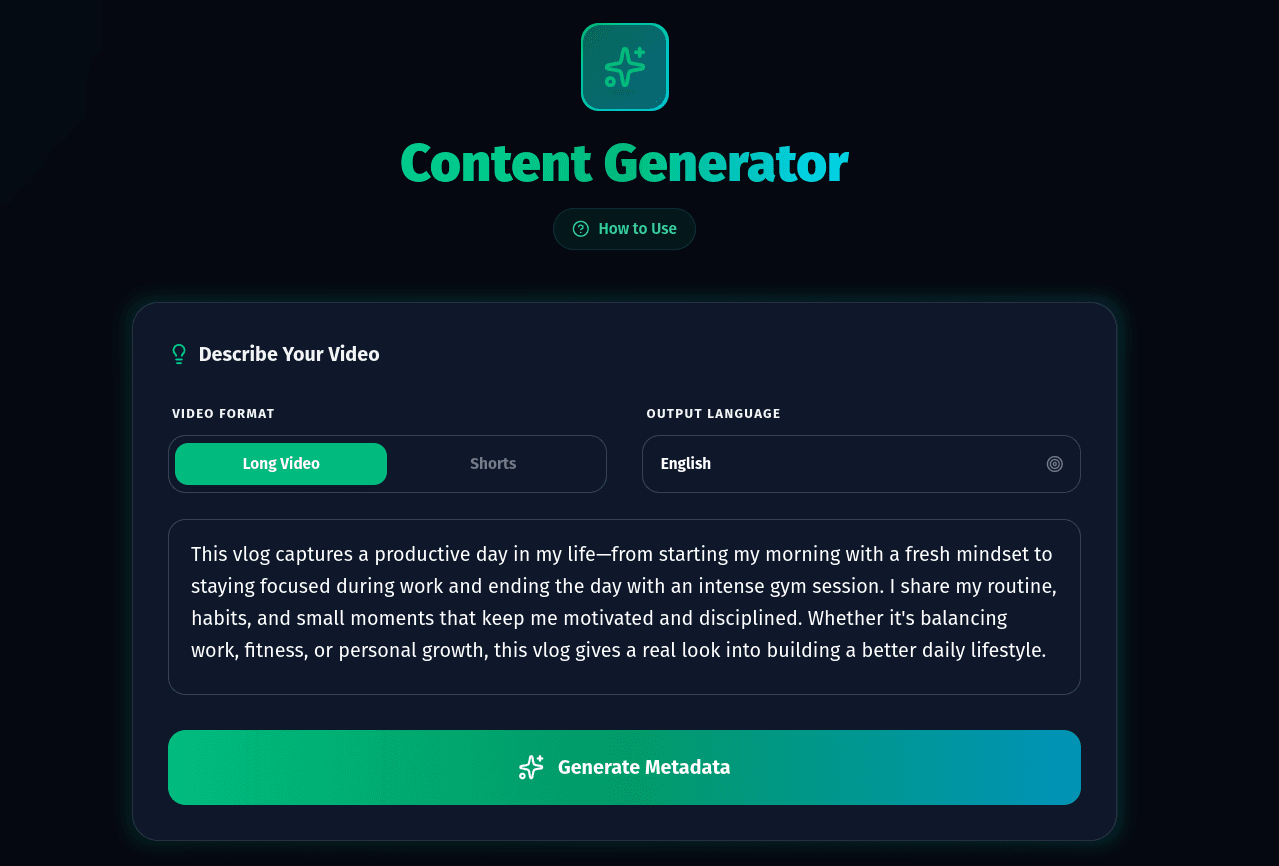
Master the art of YouTube titles in 2026. Learn the 'Curiosity Gap' framework, semantic keyword optimization, and data-backed strategies to explode your CTR.

Master YouTube keyword research in 2026. Generate metadata based on trending videos that guarantee clicks.