Cre8Virals logoCre8Virals
Design Masterclass • 2026 Release

Thumbnail Maker for YouTube Videos: The AI CTR Accelerator

10 min read
May 7, 2026
Cre8Virals Team
AI Thumbnail Maker for YouTube Videos

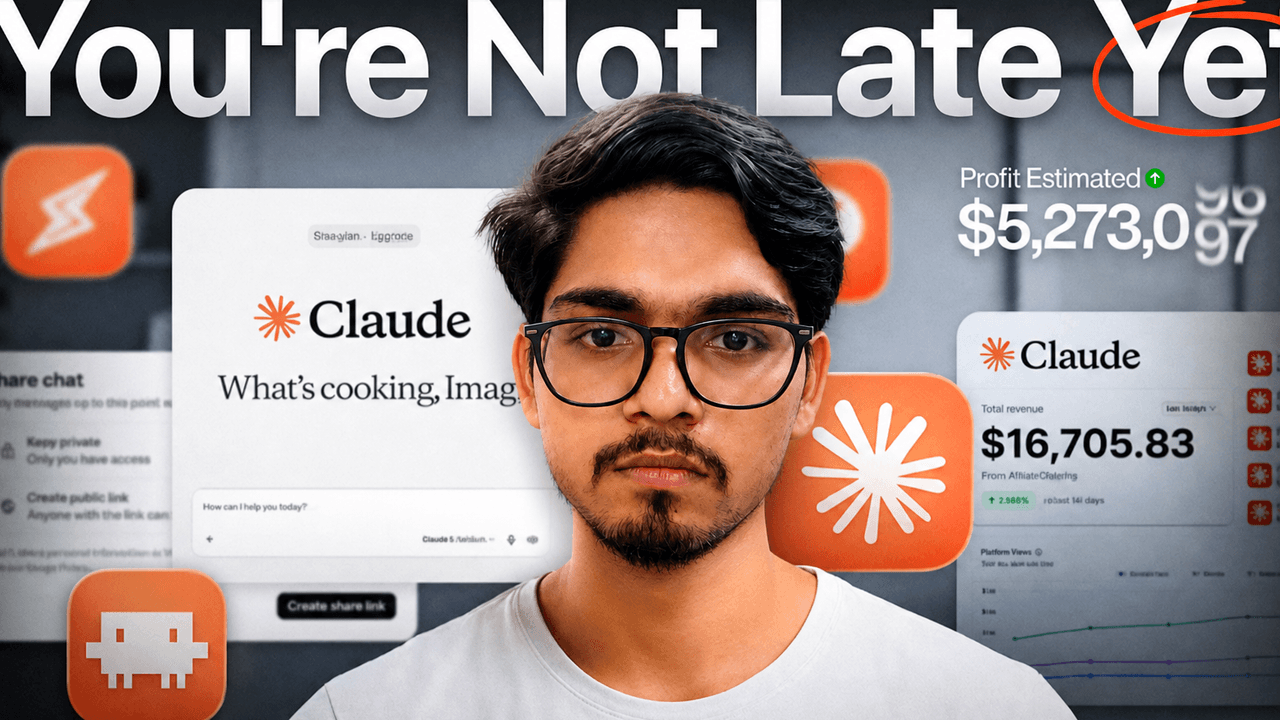
Here is the cold, mathematical truth of the creator economy: a viewer makes their decision to click or scroll past your video in less than 200 milliseconds. You can spend weeks scripting, hiring voice actors, mixing audio, and polishing edits, but if your thumbnail fails to capture attention, your click-through-rate (CTR) will drop below 2%. When this happens, YouTube chokes your impressions, leaving your video dead on arrival.

Historically, achieving cinema-grade, high-converting YouTube thumbnails required deep expertise in graphic software or paying high retainers to professional agencies. But templates are stagnant, and human designers often prioritize personal artistic preferences over actual algorithm metrics.

The **Cre8Virals AI Thumbnail Maker** changes the game. It is a dedicated, conversion-optimized canvas environment engineered to apply visual psychology principles, extreme facial enhancements, and dynamic depth layering automatically. In this guide, we will unpack how our generator creates clickable assets, reference standard technical dimensions, and detail why switching to a premium Cre8Virals subscription is the highest-ROI investment you can make for your channel's growth.

1. Referencing the Technical Foundation of Virality

Golden Rules from the 2026 CTR Masterclass

As detailed in our sister guide, YouTube Thumbnail Size & Strategy: The 2026 CTR Masterclass, you must align your designs with the strict technical specifications of Google's compression algorithms. If your files deviate, YouTube stretches, crops, or over-compresses your graphics:

Ideal Dimensions

Construct your designs at a sharp **1280x720 pixels** (or a clean 1920x1080 for high-density 4K layouts) adhering strictly to the **16:9 aspect ratio**.

Mobile Compatibility

More than 70% of viewers scroll on phones, viewing your thumbnail at just **116 pixels wide**. Every subject expression, background contrast boundary, and visual hook must be perfectly readable at micro scales.

By default, the Cre8Virals Thumbnail Maker pre-formats your export files to meet these exact dimensions. It optimizes image compression using state-of-the-art WebP and crisp PNG protocols, ensuring your graphics load instantly across mobile feeds without ever looking blurry.

2. The Psychology of a Click: Three Scientific Pillars

How Cre8Virals Designs for the Human Brain

Our AI isn't simply choosing pretty colors. It is programmed to tap into three key cognitive triggers that force viewers to stop scrolling:

I. Facial Emotion Optimization

Humans are biologically programmed to identify faces. Cre8Virals features a custom "Face Mesh" tool that automatically enhances contrast, saturates eye iris tones, and intensifies facial expressions to draw focus immediately.

II. Complementary Color Clash

Our engine selects opposite colors on the wheel (like deep orange and neon electric blue). This complementary contrast creates a visual vibration in the viewer's peripheral vision, drawing their eyes directly to your graphic.

III. Foreground Layer Depth

By applying smart background isolation and drop-shadow styling, Cre8Virals places your main subject in front of textual elements, achieving a cinematic 3D "Pop" effect.

3. Visualizing the Generation Process

How Cre8Virals transforms a raw video idea into an optimized visual storyboard.

Case Study: Cinematic MrBeast Storyboard Modeling

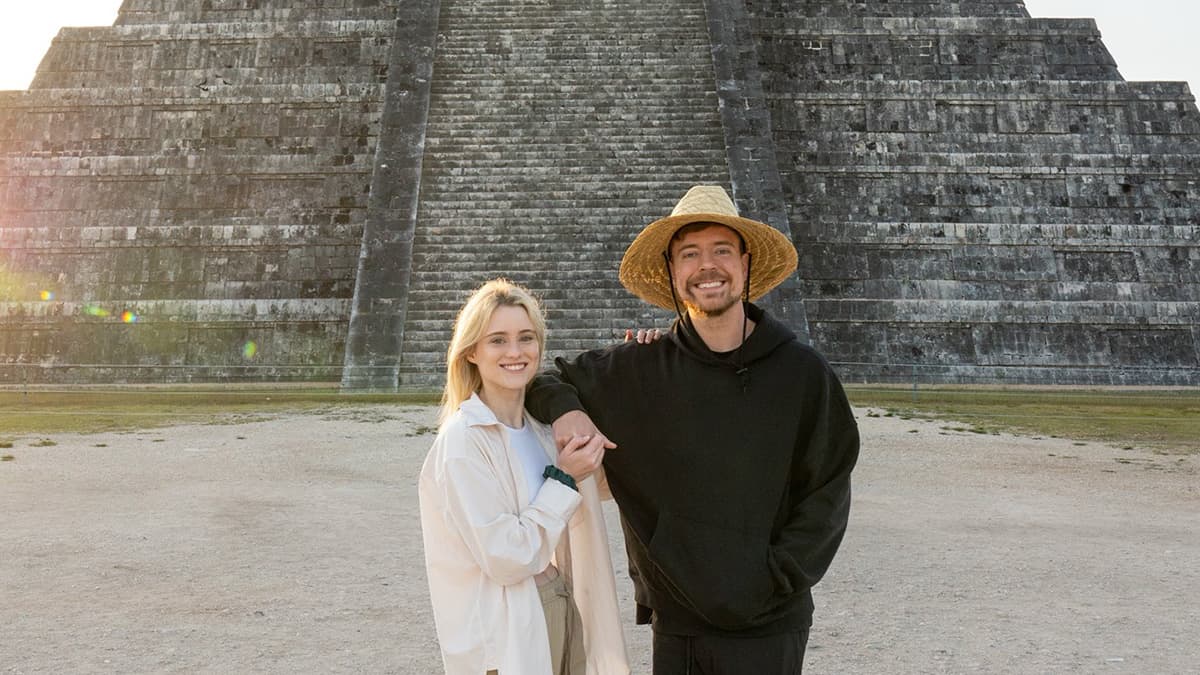
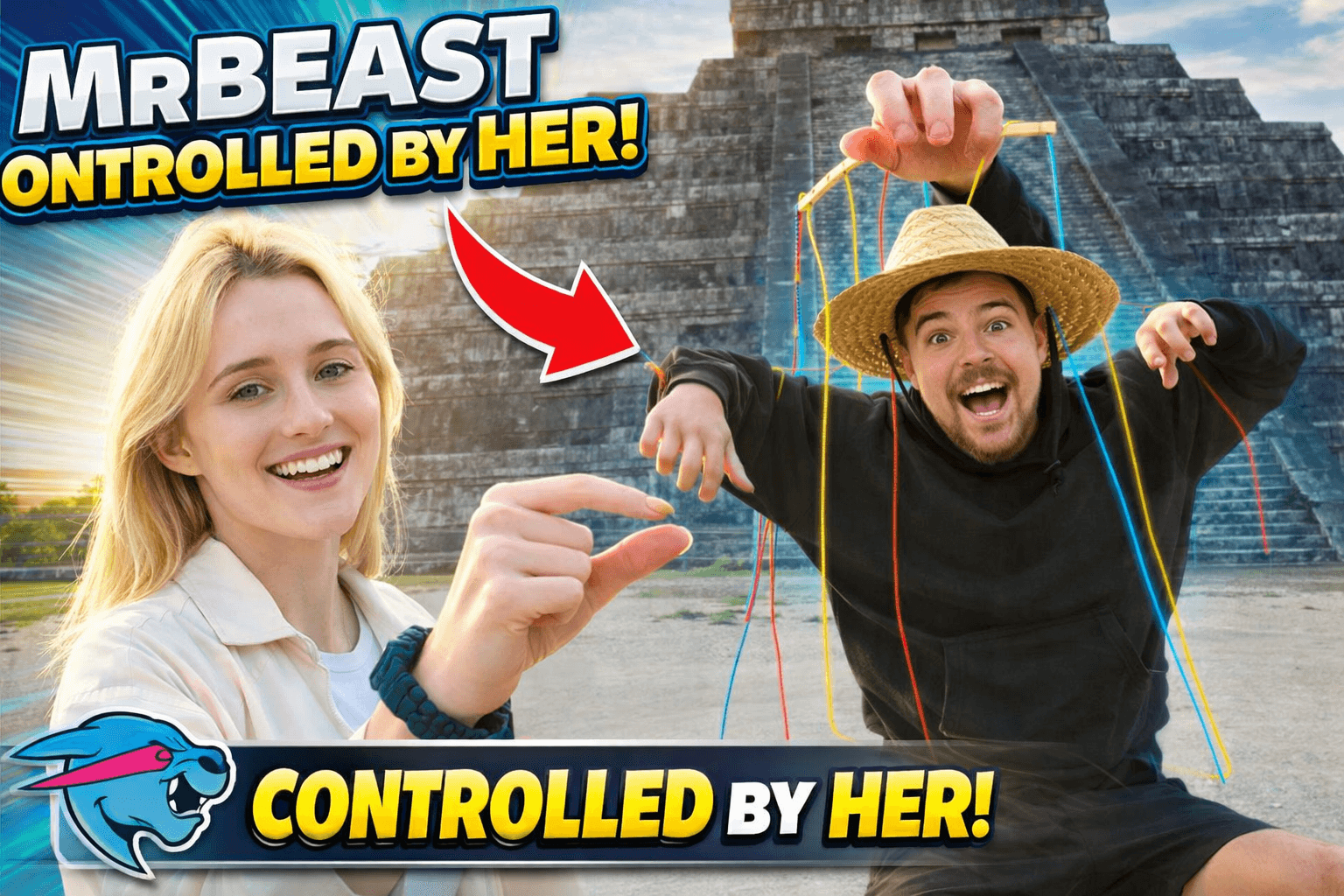
Look at this direct comparison to see the magic of our design engine. We start with a flat, raw photograph concept and apply our predictive **"Cinematic Storyboard"** engine, calculating the golden ratio and enhancing lighting levels to maximize curiosity:

Raw Flat Concept
Raw Photograph Concept Before AI Editing
Cre8Virals AI Synthesis
Cinematic Layout Generated by Cre8Virals AI
"Our system enhances facial expression contrast, injects bright golden visual assets, and renders deep depth shadows automatically."

The Cre8Virals Thumbnail Workspace UI

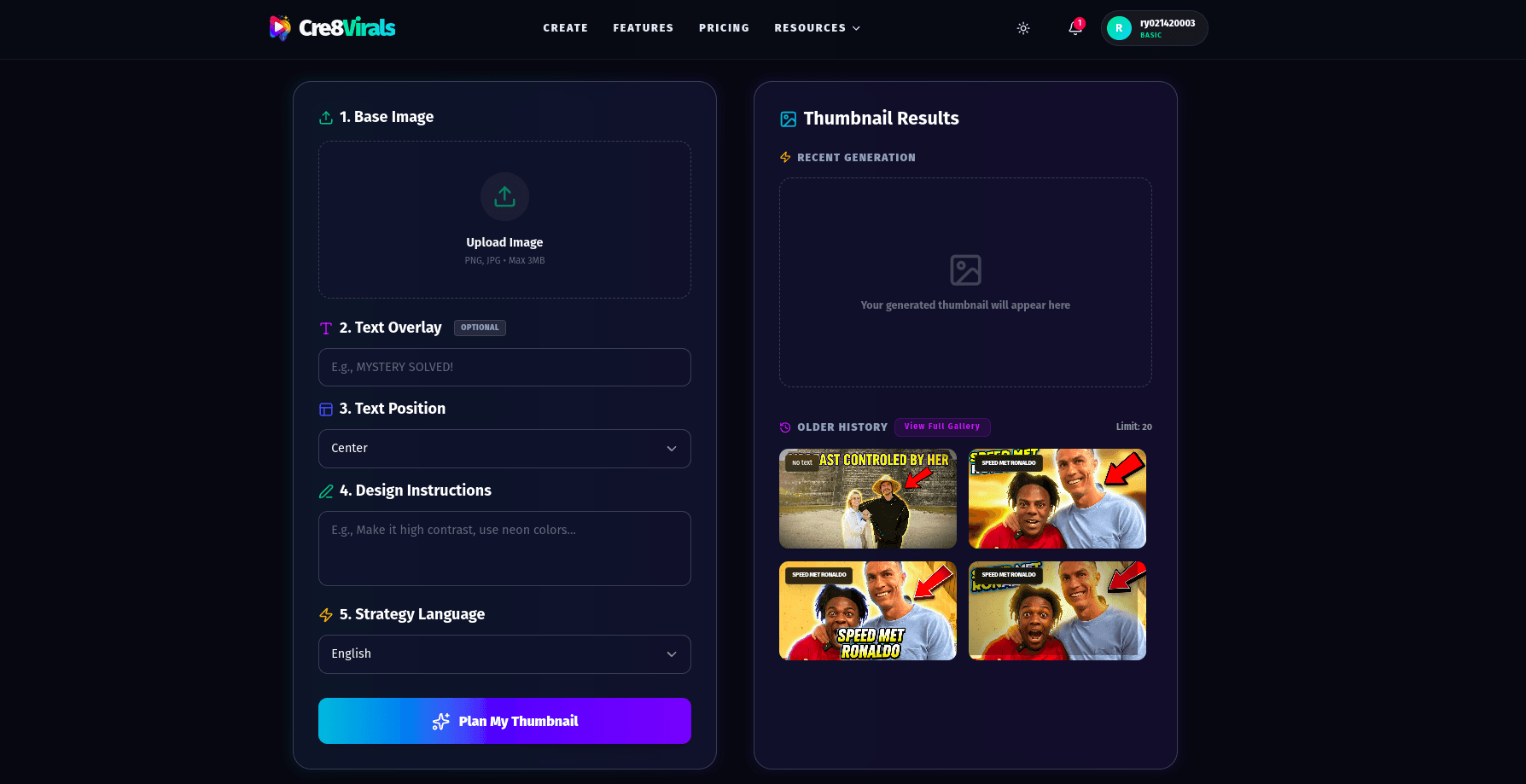
Inside the **Cre8Virals Creator Workspace**, you have complete creative control. Use intuitive, AI-backed sliders to balance color temperature, scale visual assets, fine-tune background blur, and select alternative face variants with ease:

Cre8Virals Thumbnail Generator Workspace Interface

"Our workspace gives you professional control without requiring advanced design experience. Simply slider, preview, and export."

4. Unlocking the Ultimate Creator ROI

Why a Cre8Virals Subscription is a Growth Cheat Code

Let's analyze the financial reality of your content creation. If your video earns an average RPM of $4.00, here is what a CTR increase means for your revenue:

Manual Design Retainer

Paying a professional graphic designer between **$50 to $150 per thumbnail** with a 24-hour turnaround time slows your output, eats your margins, and limits your ability to test variations.

Cre8Virals Pro Plan

Unlock unlimited thumbnail synthesis, generate 4 high-CTR variations instantly, run diagnostic channel audits, and access the entire metadata tag generator suite for one highly affordable monthly subscription.

By boosting your CTR from a stagnant **3% to a dominant 9%**, you triple your views and triple your ad revenue from the exact same subscriber base. A single month of premium optimization pays for a whole year of your Cre8Virals subscription. Sign up, link your channel, enter your card details, and unlock the definitive creator advantage today.

5. Actionable A/B Testing: Let the Data Decide

Using YouTube's Test & Compare Dashboard

A cardinal sin of YouTube SEO is relying on personal opinions. You might love a design, but your target audience might ignore it. The world's top creators rely on empirical testing:

How to A/B Test with Cre8Virals:
  1. Use the **Cre8Virals Thumbnail Generator** to output 4 different styling variants.
  2. Select two distinct options: one high-emotion "Action Face" visual and one mysterious "Curiosity Hook" visual.
  3. Navigate to **YouTube Studio**, upload your video, and click on **Test & Compare** under the thumbnail section.
  4. Upload both options and let YouTube's split-impression algorithm run a 24-hour test.
  5. Set your winning graphic as the final permanent asset and watch your organic view momentum surge.

Frequently Asked Questions

Q:How long does it take Cre8Virals to generate a custom thumbnail?

A:

Cre8Virals generates four high-CTR, production-ready thumbnail variations in less than 30 seconds. Our multimodal AI reads your title concept, analyzes competitor visuals in your niche, handles background removal, applies facial emotion enhancements, and arranges visual depth layers automatically.

Q:Can I use these thumbnails for both long-form videos and YouTube Shorts?

A:

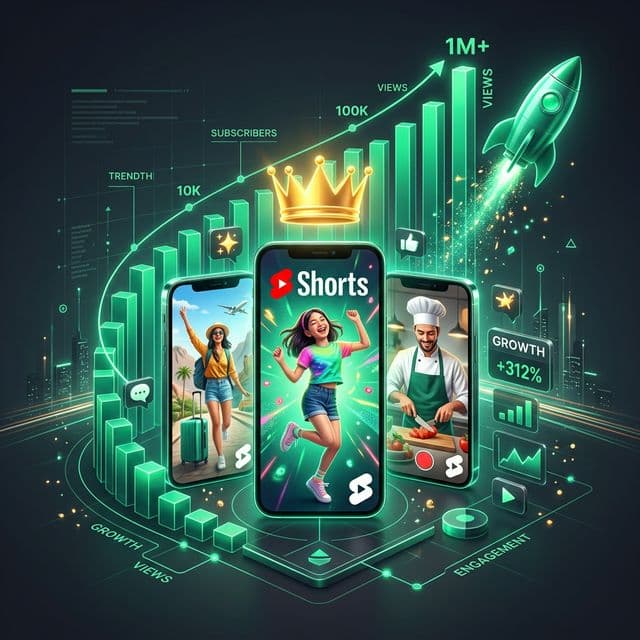
Absolutely. While long-form videos benefit from standard horizontal custom thumbnails, optimizing your Shorts' custom frames is equally crucial for search queries and recommendation grids. Cre8Virals automatically scales and exports files in perfect proportions for both standard 16:9 canvases and vertical 9:16 Shorts covers.

Q:Why should I buy a Cre8Virals subscription instead of using generic free graphic editors?

A:

Generic graphic editors provide blank canvases and static templates that ignore the YouTube algorithm's visual preferences. Cre8Virals is different. It is engineered with a trained neural network that scores visual layouts for 'Click Propensity' prior to export. When you unlock our Pro subscription, you gain access to MrBeast-style storyboards, advanced eye-tracking overlays, background lighting models, and endless visual assets that guarantee a lift in CTR.

Q:What is YouTube's 'Test & Compare' feature and how does Cre8Virals support it?

A:

YouTube's native Test & Compare dashboard allows creators to upload multiple thumbnail variations to undergo real-time A/B testing. YouTube splits impressions across the variations and automatically selects the one with the highest watch time and CTR. Cre8Virals is built specifically for this workflow, generating 4 mathematically distinct variations (e.g. Action focus, Curiosity focus, Emotional hook focus) with one click.

Ready to Multiply
Your Organic CTR?

Stop losing precious views to amateur designs. Upgrade to Cre8Virals today to generate viral, MrBeast-style thumbnails in seconds.